
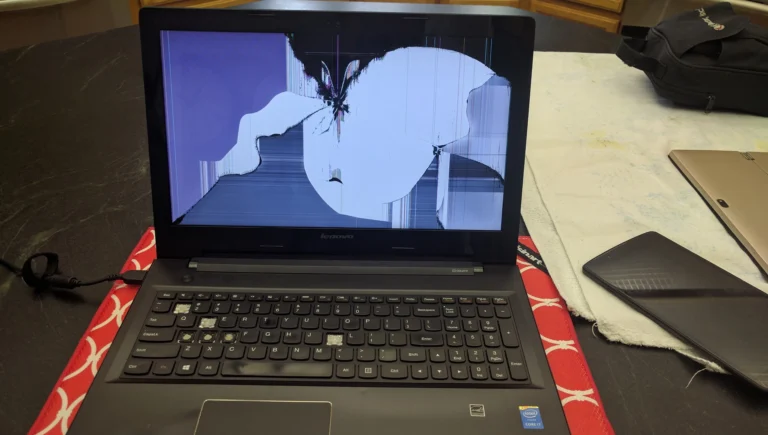
Replace an LCD Screen on Your Laptop: Easy Step-By-Step Guide
Replacing an LCD screen on your laptop can seem intimidating but with the right guidance, it can be a straightforward task. Start by gathering the necessary tools including a screwdriver and a plastic prying tool. Ensure your laptop is powered down and unplugged to avoid any electrical hazards. Carefully remove the bezel surrounding the screen, taking care not to damage any clips. Once the bezel is off, unscrew the old screen from its mount and disconnect the video cable. With the old screen removed, connect the new LCD screen and secure it in place. Finally, reattach the bezel and power on your laptop to enjoy your new display. Following these steps will help you achieve a successful screen replacement with confidence.